analytics




About
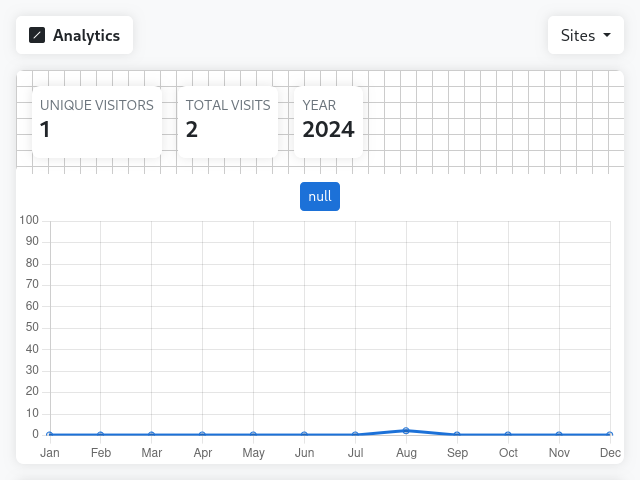
This project is a simple, open-source web analytics alternative. It uses a beacon to send data to the server. The server stores the data in a DuckDB database. The data is then visualized using a simple web interface.
You can view the script here.
Setup
To add analytics to your website, add the following script to your website, and change the data-addr attribute to your server address.
<script defer data-addr="http://127.0.0.1:5000/beacon" src="https://kaangiray26.github.io/analytics/beacon.min.js"></script>
Or you can use the following script to add analytics to your website:
<script defer data-addr="http://127.0.0.1:5000/beacon">
(function(addr){window.addEventListener("DOMContentLoaded",()=>{fetch(addr,{method:"POST",headers:{"Content-Type":"application/json",},body:JSON.stringify({origin:window.location.origin,path:window.location.pathname,}),})})})(document.currentScript.getAttribute("data-addr"))
</script>
To run the server, we have created a Docker image. You can run the server using the docker-compose.yml file. The docker-compose.yml file comes with two environment variables:
- SITES: A comma-separated list of sites to track
- ADDRESS: The local ip address of the server
To run the server, run the following command:
docker compose up
Usage
To view the analytics, go to http://<local-ip>:5000/. You can view the analytics for each site by clicking on the site name.